Is Google Keyword Planner free? How to use it, limits included
Is Google Keyword Planner free? Yes: Google calls it "a free resource". But you need a Google Ads account with your billing information entered and a campaign created before you can use it. It gives you keyword ideas and average monthly searches; its "competition" counts advertisers, not how hard it is to rank.
 By Jérémy Santos Updated on October 30, 2026 Tested on his own SemChat account: first audit on October 29, 2026.
 This page is part of the guide: Keyword research tool

Planting keyword ideas with Google’s own tool. Illustration by Zéro Corvée.
You want keyword ideas without paying for a tool, and Google has one. So, is Google Keyword Planner free? The short answer is yes, with a catch: it lives inside Google Ads and asks for an account set up like an advertiser’s. This page is part of our keyword research tool guide, and it walks you through Keyword Planner step by step.
Only our SemChat links are affiliate links. They don’t change prices or our advice.
Google Keyword Planner: what it is and who it is for
Google’s Keyword Planner page puts it this way: “Google Keyword Planner is a free resource to help advertisers build keyword lists for search campaigns” (read October 30, 2026). It suggests keyword ideas, shows how often they’re searched and estimates what an ad on them would cost.
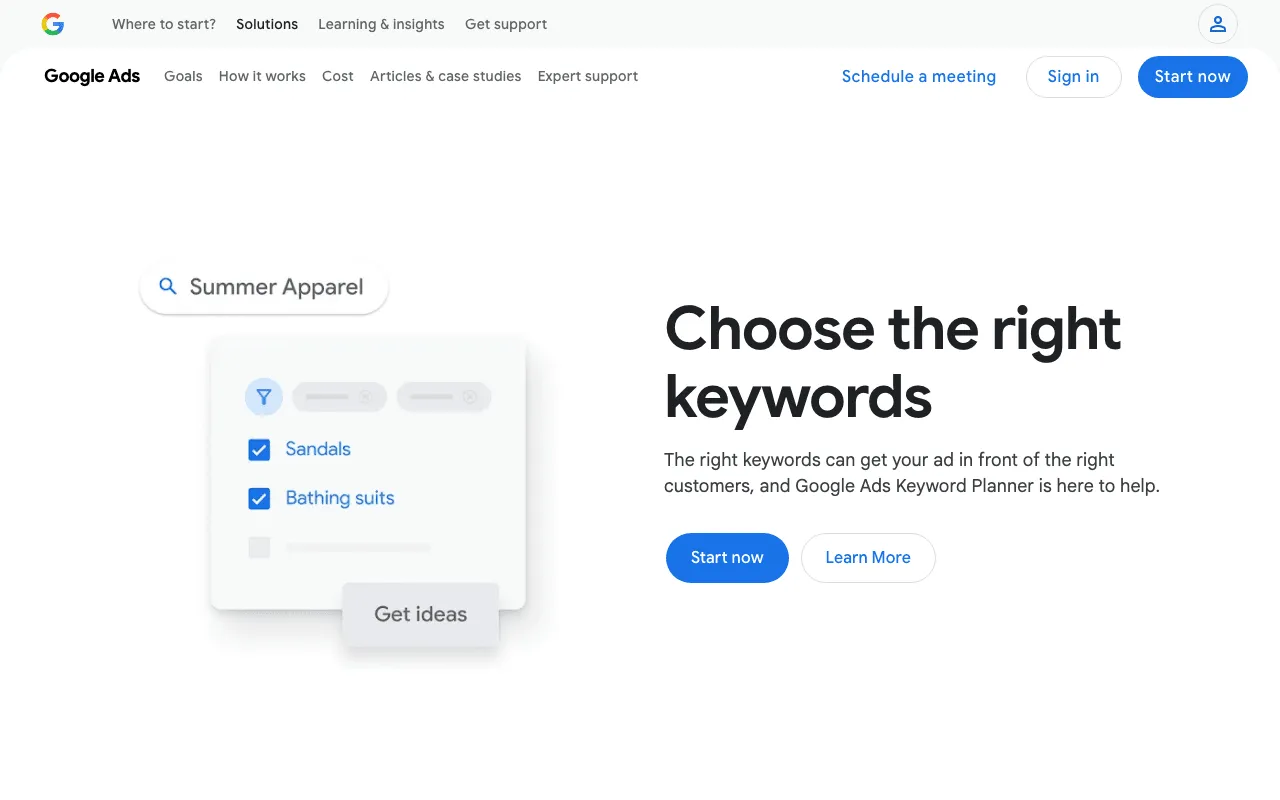
Google’s Keyword Planner page for advertisers. Screenshot of business.google.com/us/ad-tools/keyword-planner, taken October 30, 2026.
A tool built for Google Ads advertisers
Every column was made for people buying ads: average searches, competition among advertisers, top of page bids. You can still use it for SEO, as long as you know which numbers speak about ads and which speak about searches.
Is Google Keyword Planner free? What it asks of you
It costs nothing to use. What it asks for is a set-up account. Google’s help page says: “You must complete your account setup by entering your billing information to access basic features like ‘Get ideas for new keywords’” (read October 30, 2026). The Keyword Planner page adds that you need to create a campaign first.
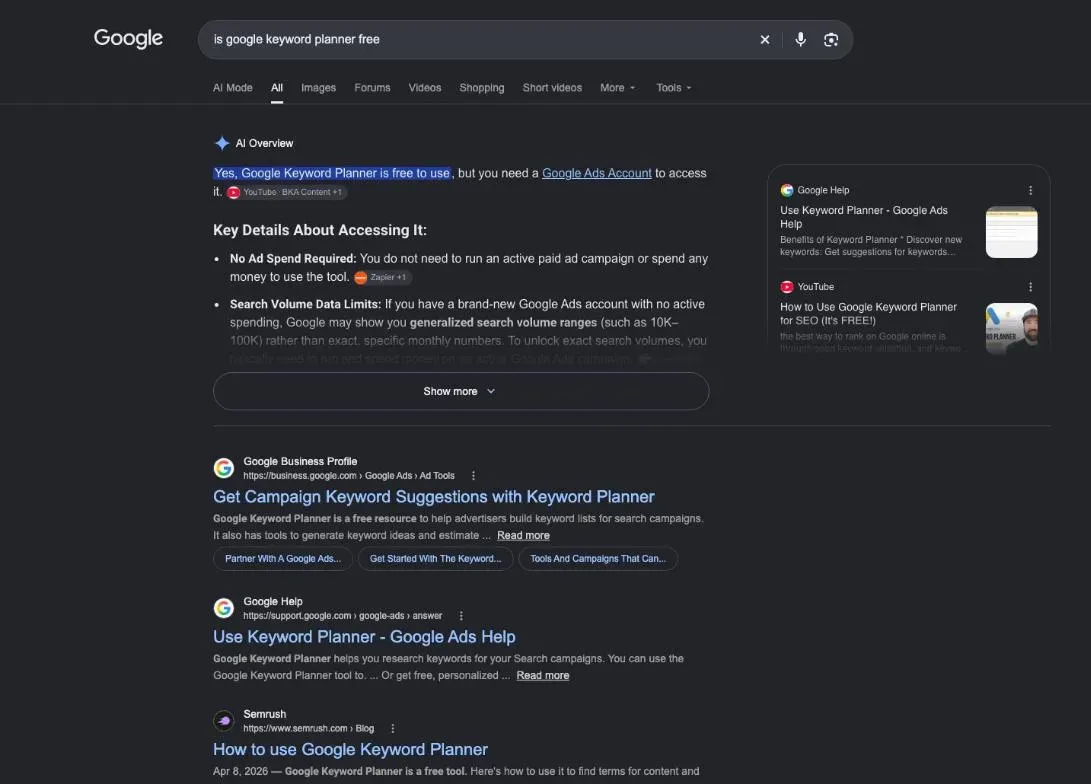
Do you need to run ads to see its data?
No ad has to run. The US page says: “Anyone with a Google Ads account can access the Keyword Planner tool after they create a campaign” (read October 30, 2026). The French version of the same page is more direct: access is open to anyone with a Google Ads account, with no obligation to run ads right away. A paused campaign does the job.
Is it still free in 2026?
Yes. We reread Google’s Keyword Planner page and its help page on October 30, 2026: the tool is still described as free, with the billing setup as the condition.
Step by step: open Google Keyword Planner
Step 1: set up a Google Ads account
Sign in to Google Ads with your Google account and finish the setup, billing information included. If Google pushes you to launch a campaign, create one and pause it before it spends.
Step 2: reach the Keyword Planner without launching a campaign
If your account opens in Smart Mode, Google’s page says you’ll need to switch it to Expert Mode. Then, in Google’s words, “Go to Keyword planner within the Tools menu” (help page, read October 30, 2026). On the current interface it sits under Tools, then Planning.
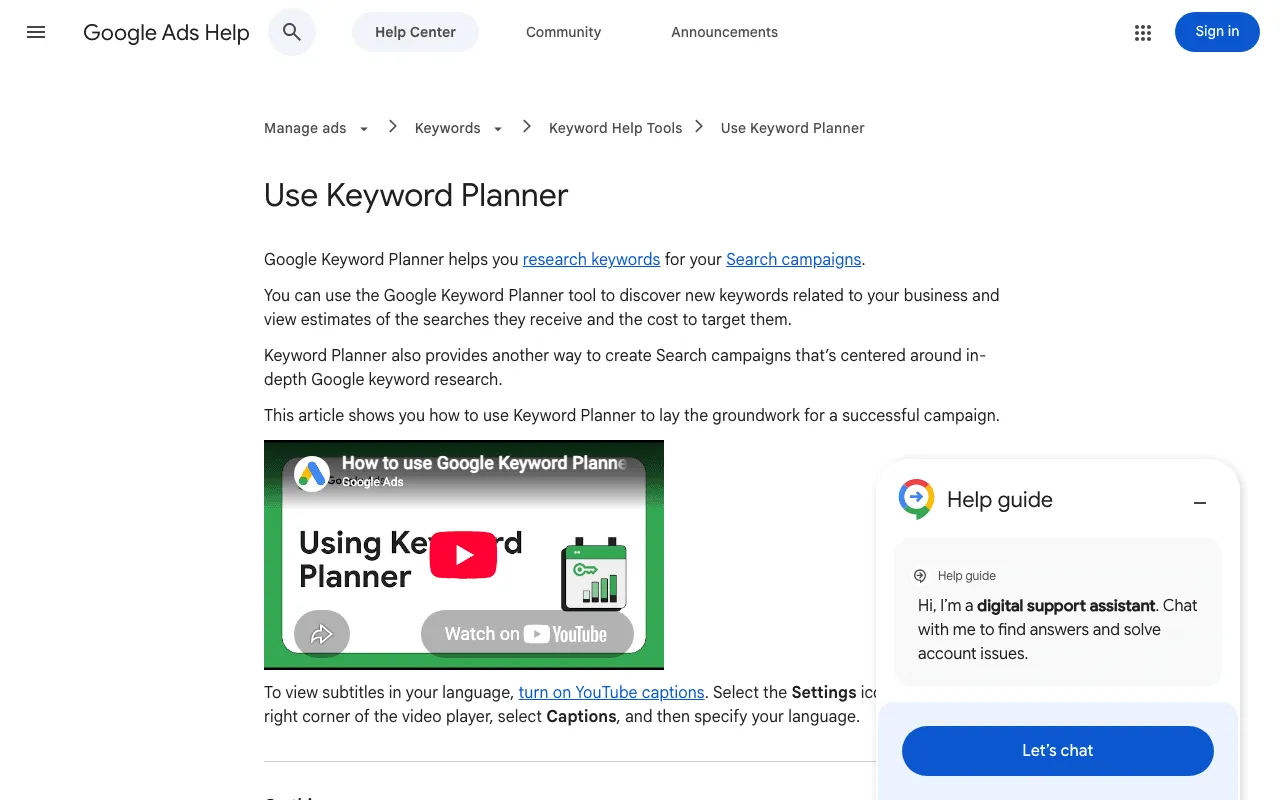
Google Ads help page “Use Keyword Planner”. Screenshot of support.google.com/google-ads/answer/7337243, taken October 30, 2026.
Discover new keywords with Google Keyword Planner
Step 3: start from a word or from a website
Click Discover new keywords. You have two starts. Enter words related to what you sell or write about, separated by commas, or enter a website and Google suggests keywords related to its content. Google’s help page notes that a keyword plus a URL gives you more ideas than a URL alone. Set the language and location of your audience before you run it.
Step 4: check search volumes and forecasts
The main column is average monthly searches. Google’s forecasts page says that by default it’s averaged over a 12-month period, and adds three cautions: “Your search volume statistics are rounded”, historical stats are “only shown for exact matches”, and results can be “less accurate if you’re targeting a small geographic location” (read October 30, 2026).
One more limit, from the help page: “Keywords with very low search volumes, or keywords that are considered sensitive aren’t discoverable or forecastable.” Very niche long-tail searches may not show up at all.
Sort the ideas and keep the right ones
Use the “Refine keywords” panel to untick themes or brands that don’t fit, and the filters to narrow by keyword text or competition. Tick the keywords worth keeping, save them to your plan and download the list. Our page of SEO keyword examples shows what a finished list can look like.
How to use Google Keyword Planner for SEO
Find content ideas in the search volumes
Sort the ideas by monthly searches and read the long ones. A question searched every month with no good answer in Google is an article waiting to be written. The volume tells you whether people care; it doesn’t tell you whether you can rank.
Group related keywords into topics
Many ideas are variations of one need: “best soy candles”, “soy candles for sale”, “natural soy candles”. Those belong on one page. Group them, then give each group its own page, so two of your pages don’t chase the same search.
Match each keyword to search intent
Keyword Planner says nothing about what the searcher wants. Type the keyword into Google and look at page one: guides, product pages or local results? Our guide to keyword intent shows how to read it.
What Keyword Planner doesn’t tell you for SEO
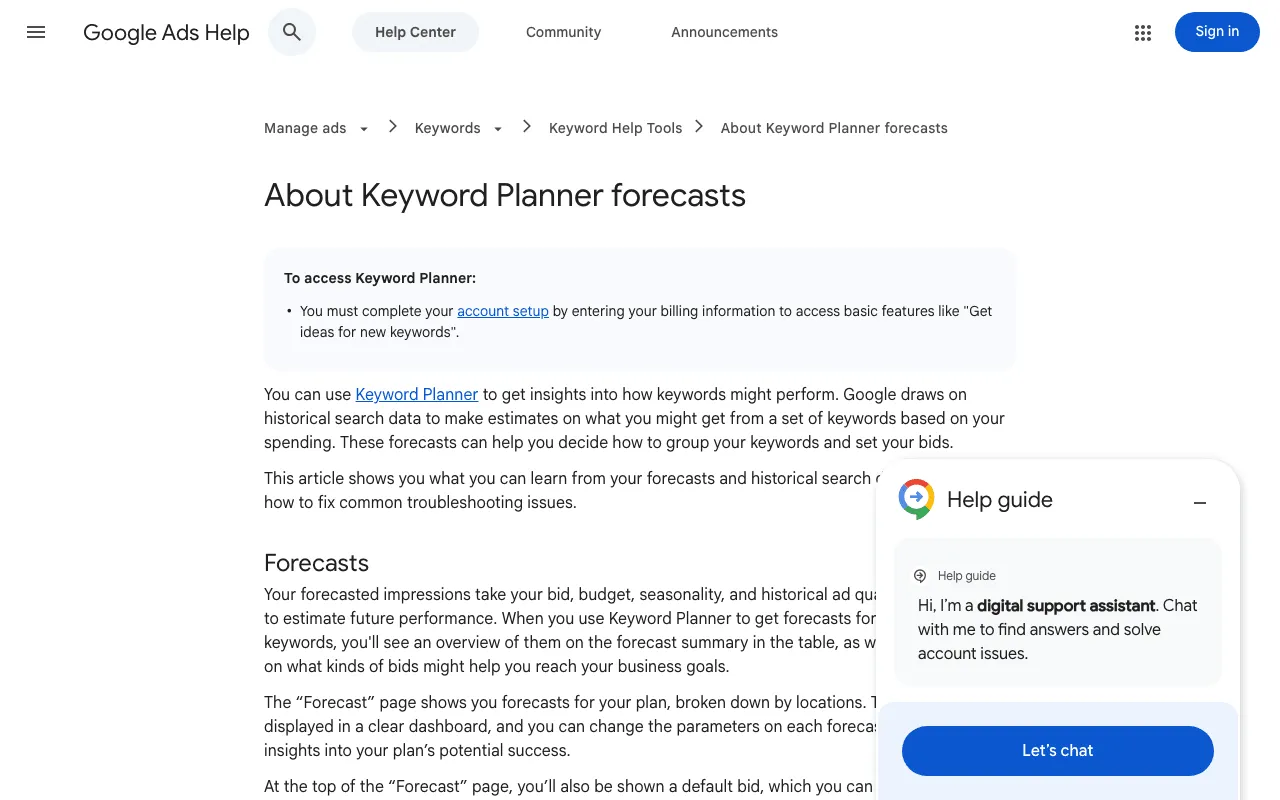
Google Ads help page on Keyword Planner forecasts and its Competition column. Screenshot of support.google.com/google-ads/answer/3022575, taken October 30, 2026.
Ad competition is not SEO difficulty
This is the main trap. Google defines the Competition column as “The number of advertisers that showed on each keyword relative to all keywords across Google” (read October 30, 2026). A keyword with low ad competition can be very hard to rank for organically, and the other way round.
Even an AI assistant can mix them up. In our test on October 29, 2026, SemChat’s first answer gave a difficulty drawn from ad competition, before Jérémy pointed it out.
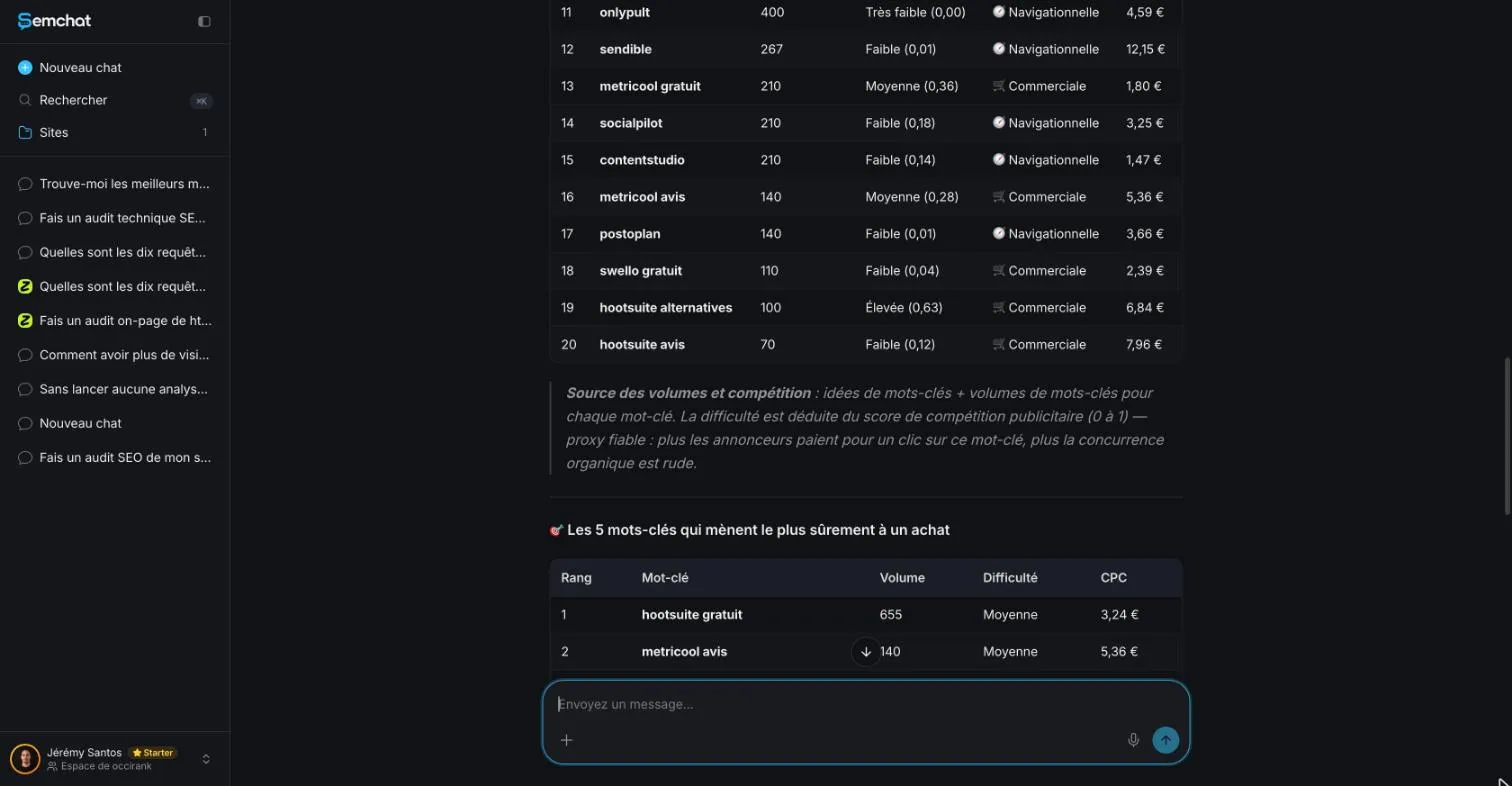
A difficulty drawn from ad competition is not an SEO difficulty. Screenshot of the SemChat app (Jérémy’s account, interface in French), October 29, 2026.
Can it show what your competitors target?
Only indirectly. Entering a competitor’s URL gives keywords related to that page’s content, not the keywords it ranks for. For the real list, see our guide to competitor keyword research.
Keyword Planner or Google Trends
Keyword Planner gives monthly volumes. Google Trends gives interest over time, ranked on a scale of 0 to 100 with no absolute volume, according to its help page (read October 30, 2026). Use Trends to see when a topic peaks, and Keyword Planner to compare sizes.
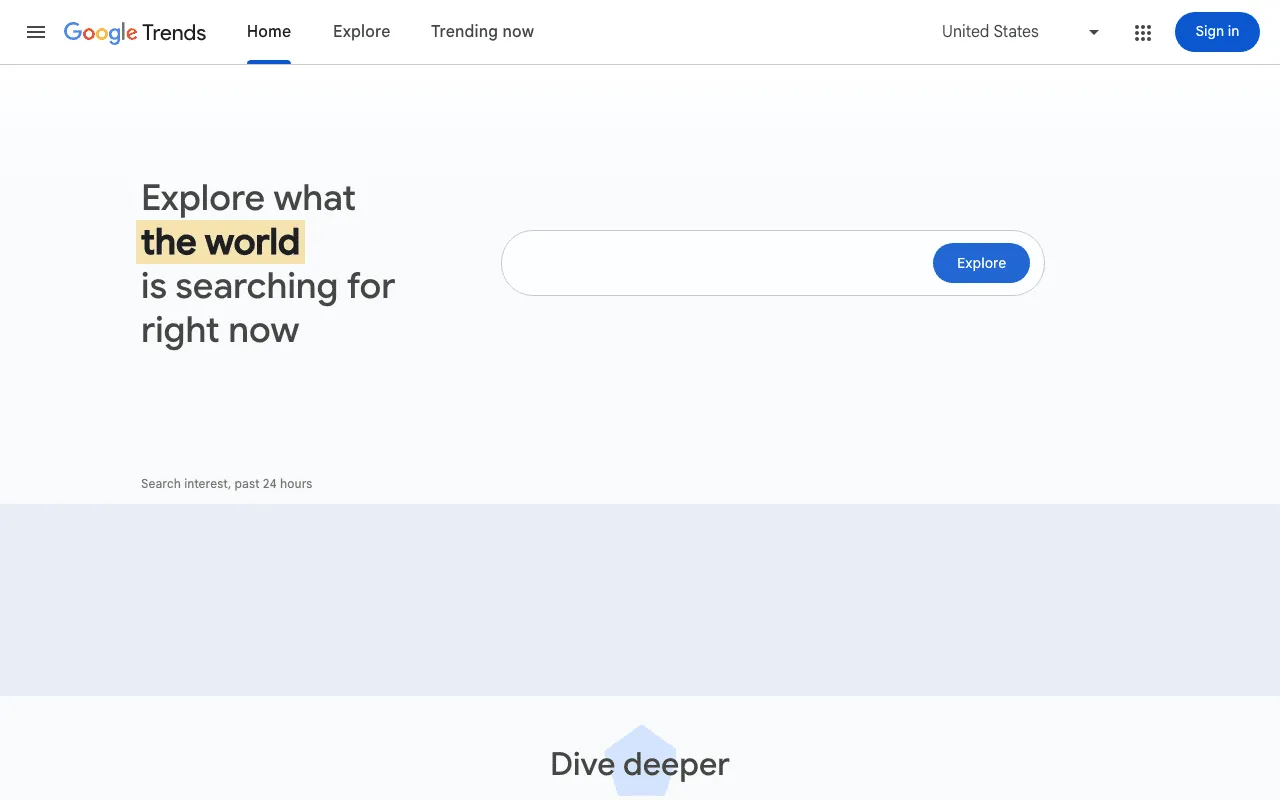
Google Trends home page, set to the United States. Screenshot of trends.google.com, taken October 30, 2026.
Can Google Keyword Planner help with YouTube?
The help pages we read don’t mention YouTube volumes, so we won’t claim either way. Missing data: YouTube search volumes in Keyword Planner (planned source: Google Ads help, reread before publication).
Keyword Planner alternatives for SEO
Paid suites: Semrush and Ahrefs
Semrush Free costs $0 with 10 reports a day (fact sheet, October 29, 2026). Ahrefs’ free Keyword Generator shows the first 100 ideas for a keyword, with no account. Both give an SEO difficulty score, which Keyword Planner doesn’t. To compare them in depth, see how search volume differs between tools.
SemChat: volume, difficulty and intent in one answer
SemChat is an SEO assistant you talk to. Tested on October 29, 2026 on a French site, in French: after three corrections, it gave the source of its volumes (its own database, 12-month rolling average, France) and an SEO difficulty based on the top 10. Outside France, SemChat’s team told Jérémy by e-mail on October 29, 2026 that keyword data comes from a mix of providers they didn’t name; we haven’t measured its quality for the United States. Our SemChat review covers the full test.
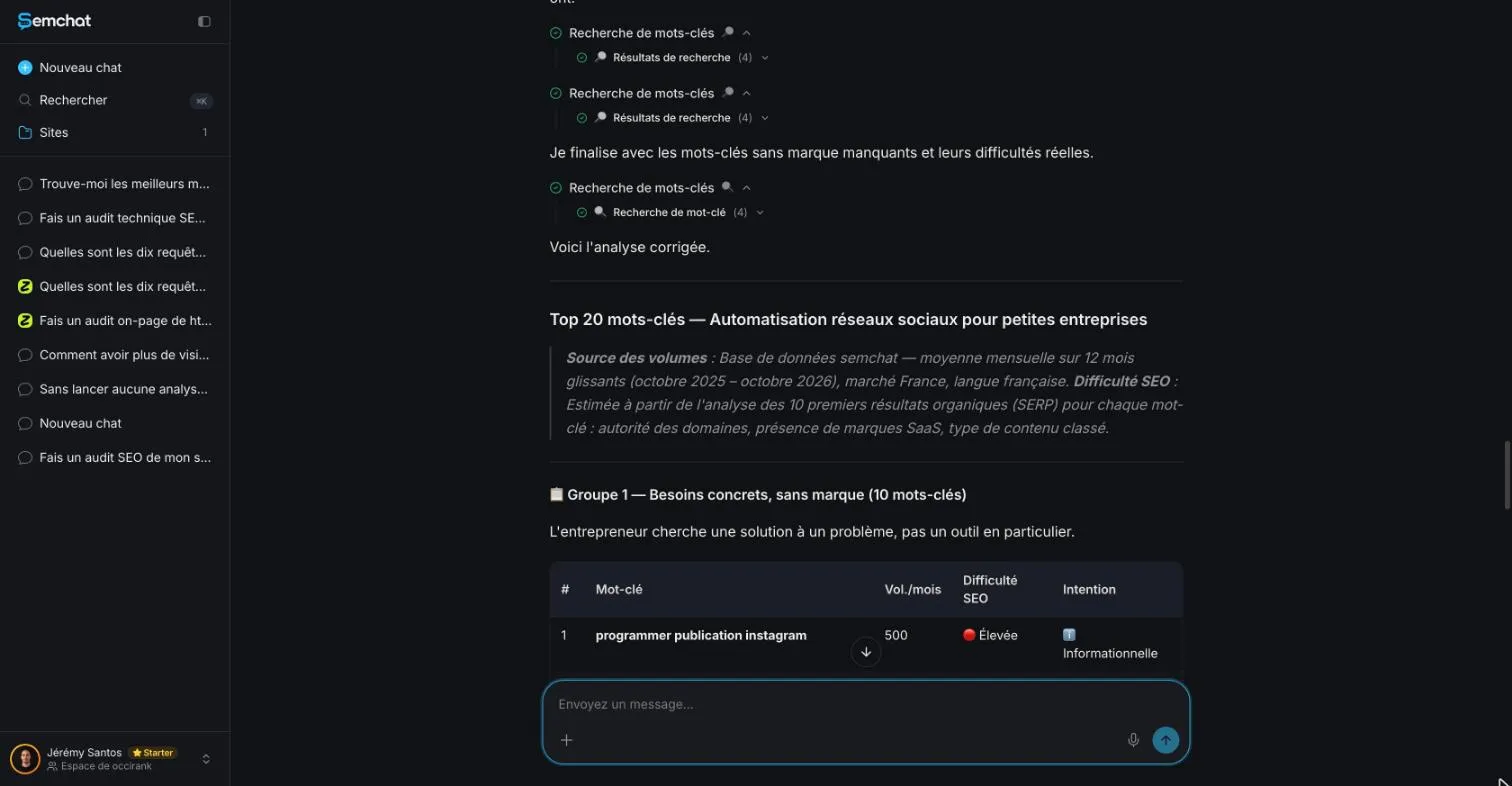
After correction, SemChat gives the source of its volumes and an SEO difficulty. Screenshot of the SemChat app (Jérémy’s account, interface in French), October 29, 2026.
Search Console for the keywords you already rank for
Keyword Planner shows what people search. Search Console shows what your site already appears for. Our guide to check website keywords explains how to read it, and our guide on how to choose keywords for SEO helps you decide what to target.
So, is Google Keyword Planner free? Yes, once your Google Ads account is set up with billing information and a campaign. It’s a good source of ideas and volumes. Its competition column speaks about advertisers, so pair it with a tool that measures SEO difficulty before you choose.
Frequently asked questions
How do you use Google Keyword Planner without creating an ad?
Google's page says anyone with a Google Ads account can open Keyword Planner after creating a campaign, and its help page asks for your billing information. Create the campaign, leave it paused if you don't want to spend, switch the account to Expert Mode if needed, then open Tools, Planning, Keyword Planner.
What is a Keyword Planner in Google Ads?
It's Google's tool for advertisers to build keyword lists for search campaigns. It suggests keyword ideas from words or a website, shows average monthly searches, competition among advertisers and estimated bids, and forecasts how a list of keywords might perform.
How important are keywords for SEO?
Still central. Google's guide to AI features in Search says the best practices for SEO remain relevant (read October 30, 2026). Picking the searches people really type, then answering them well, is how a page earns its place.
Can Keyword Planner show what your competitors target?
Partly. You can enter a competitor's website in "Discover new keywords" and Google suggests keywords related to that page's content. It doesn't show which keywords that site actually ranks for in organic results; for that you need a competitor research tool.
Let your AI do the chores of getting found online.
10% off your subscription, for life with my link, if you subscribe within 2 weeks of signing up. No code. All about the SemChat promo code
Affiliate link: it costs you nothing extra.
Verified sources
- Google Ads: Keyword Planner page (FAQ) (October 30, 2026)
- Google Ads Help: Use Keyword Planner (October 30, 2026)
- Google Ads Help: About Keyword Planner forecasts (October 30, 2026)
- Google Ads: Keyword Planner page in French (access without running ads) (October 30, 2026)
- Google Search Central: AI features and your website (October 30, 2026)
- Google Trends Help: FAQ about Trends data (October 30, 2026)
- Semrush pricing (October 29, 2026)
- Ahrefs free tools (October 29, 2026)
- SemChat pricing (October 29, 2026)