How to get my website on Google: Search Console, sitemap, indexing
How to get my website on Google, in short: Google finds most sites on its own by following links, but you can help it. Verify your site in Search Console, send your sitemap, request indexing for a new page, then check that your pages are in the index. If customers visit you, add a Business Profile so you show up on Maps too.
 By Jérémy Santos Updated on October 30, 2026 Tested on his own SemChat account: first audit on October 29, 2026.
 This page is part of the guide: SEO for small business
- 1 Crawling Googlebot finds your pages, mostly through links.
- 2 Indexing Google stores the pages it understands.
- 3 Serving It shows the most useful ones for each search.
Your site is live, you search for your business name, and nothing comes up. Or only your Facebook page. This guide shows how to get your website on Google step by step, with Google’s free tools. It’s part of our guide to SEO for small business.
The SemChat links on this page are affiliate links: if you subscribe through them, I earn a commission, at no extra cost to you and with no effect on what I write.
How to get your website on Google: first, how Google finds sites
Good news: you rarely need to “submit” a site. Google finds most pages by itself, by following links from pages it already knows. Your job is to make that easy, and to check the result.
Found, indexed, ranked: three different things
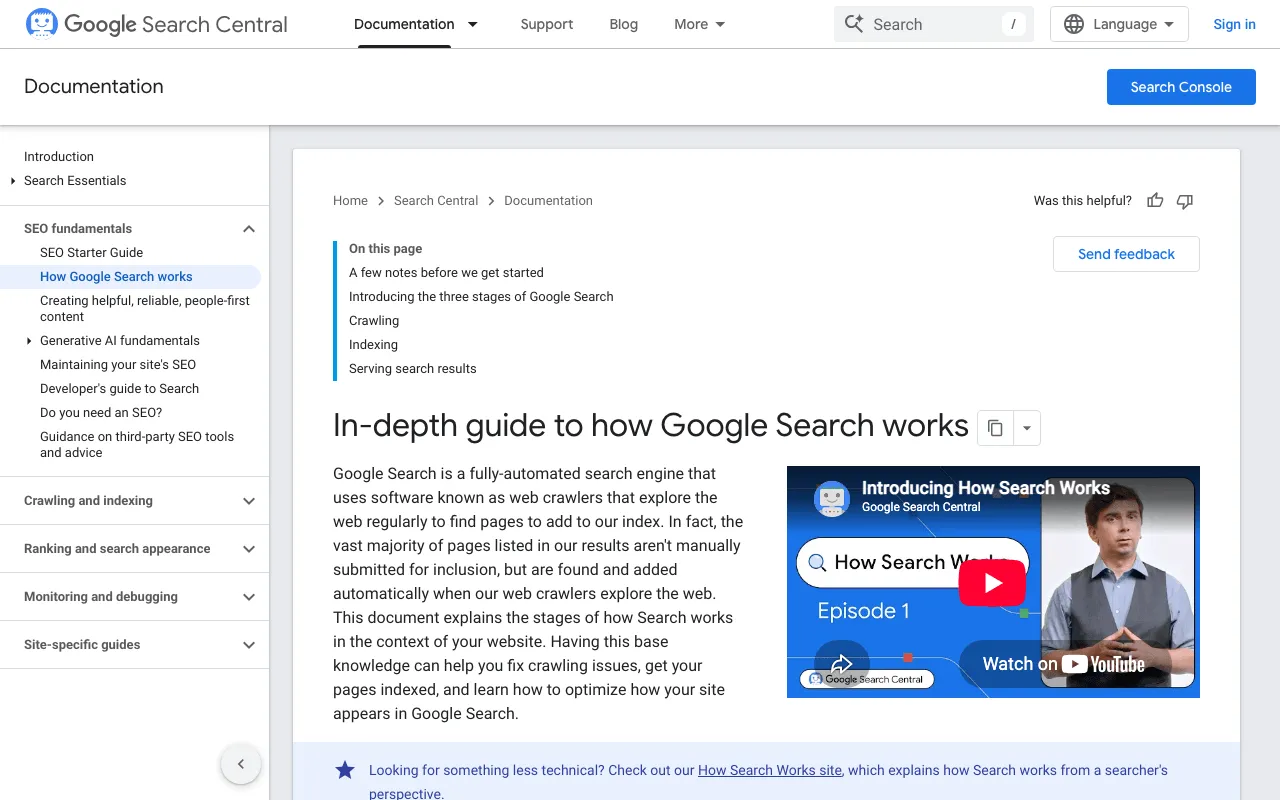
Google’s page on the three stages of Search. Screenshot of developers.google.com/search/docs/fundamentals/how-search-works, taken October 30, 2026.
In Google’s words: “Google Search works in three stages, and not all pages make it through each stage”. First crawling (Googlebot reads the page), then indexing (Google stores it), then serving search results. And a warning worth knowing: “Google doesn’t guarantee that it will crawl, index, or serve your page” (page read October 30, 2026).
So a page can be found but not indexed, or indexed but shown only on page 5. Each stage has its own fix.
How to put my website on Google: get it in with Search Console
Create your account and verify your site
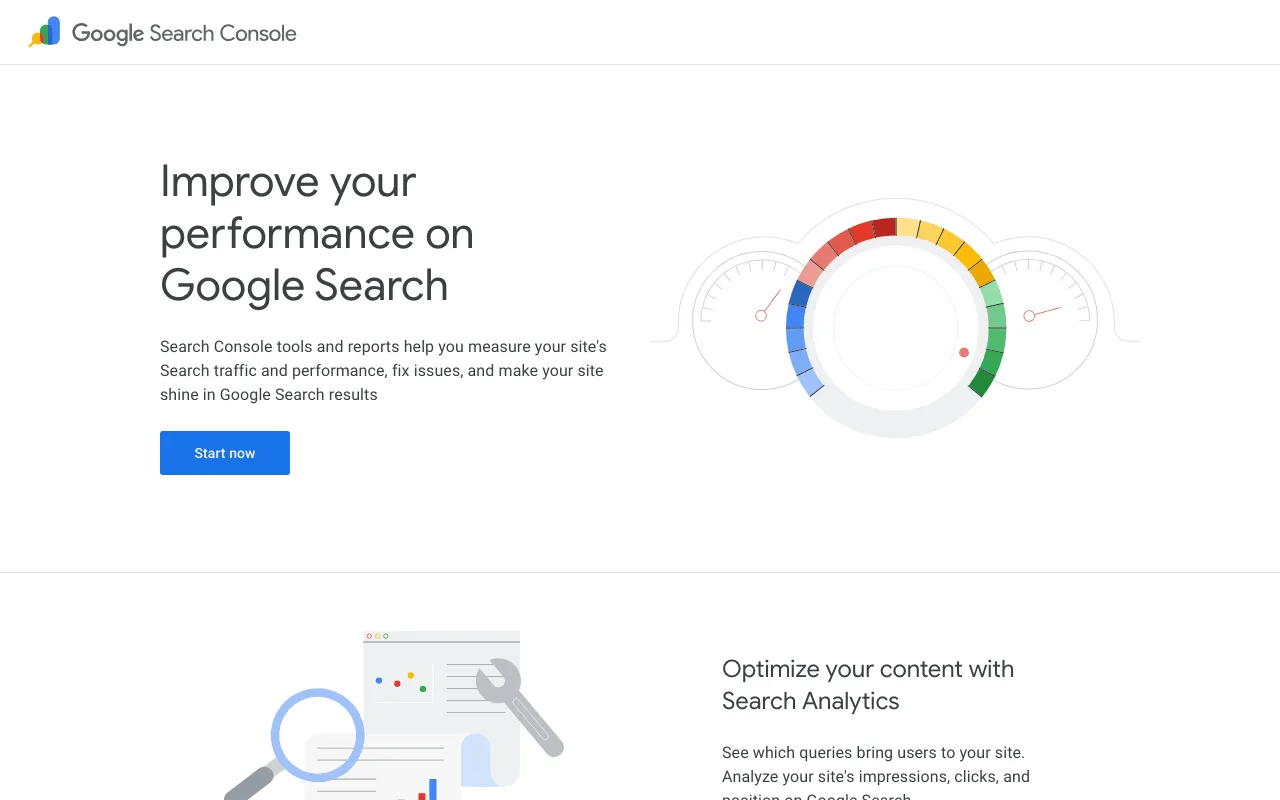
Google’s Search Console overview page. Screenshot of search.google.com/search-console/about, taken October 30, 2026.
- Go to Search Console and sign in with a Google account.
- Add your site’s address.
- Prove you own it: the simplest way is often through your domain provider or your website builder, which may have a “connect Search Console” option.
Once verified, Search Console shows which pages are indexed, which searches show your site, and any errors.
Send your sitemap to Google
A sitemap lists your important pages. Google says it isn’t required, but it helps when your site has many pages or changes often (SEO Starter Guide, read October 30, 2026). Most website builders generate one. In Search Console, open “Sitemaps” and paste its address.
Request indexing for a new page
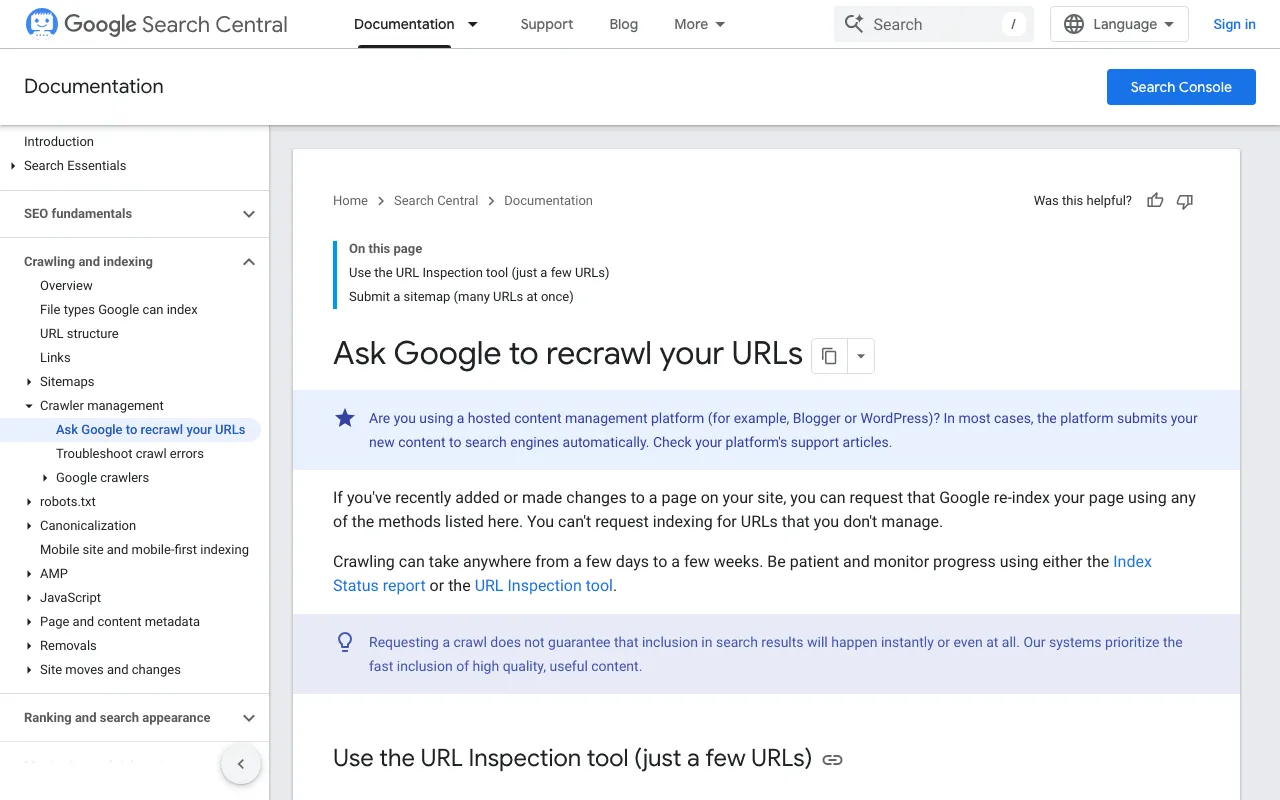
Google’s page on asking for a recrawl. Screenshot of developers.google.com/search/docs/crawling-indexing/ask-google-to-recrawl, taken October 30, 2026.
For one new page, use the URL Inspection tool in Search Console and click “Request indexing”. You need to be an owner or full user of the property, and there’s a quota for URLs submitted one by one. For many pages, send a sitemap instead.
Keep expectations right. Google writes: “Crawling can take anywhere from a few days to a few weeks”, and “Requesting a crawl does not guarantee that inclusion in search results will happen instantly or even at all” (page read October 30, 2026). Requesting the same page again won’t speed it up. For every step in order, from checking what’s indexed to waiting the right way, see how to index a website on Google.
How to list your website on Google: check it is indexed
The quick check in the search bar
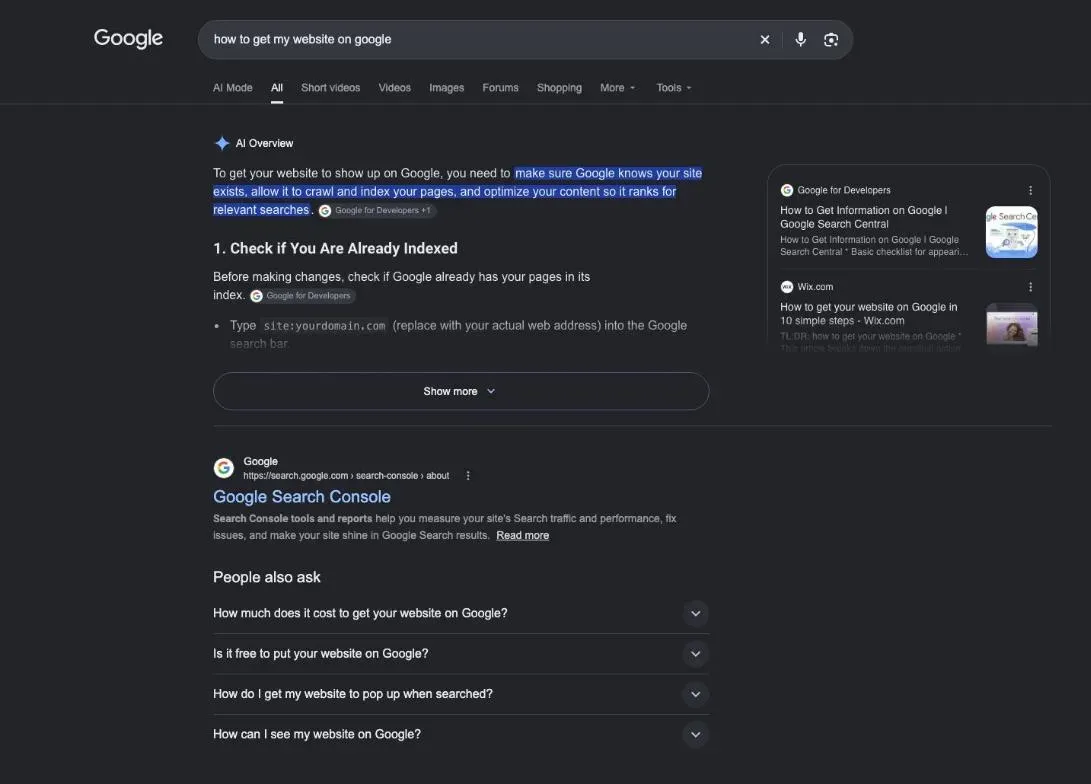
Type site: followed by your domain in Google, for example site:example.com. If pages from your site come up, they’re in the index. Google notes that this search “doesn’t necessarily return all the URLs that are indexed” (How to get your website on Google, read October 30, 2026). For the full list, use the Pages report in Search Console.
Help Google find every page
Google finds most pages through links. In its words: “Links are a great way to connect your users and search engines to other parts of your site” (SEO Starter Guide, read October 30, 2026). So:
- Link your home page to each service in the menu or the body text.
- Link new pages from existing ones, not only from the menu.
- Use words that describe the target page in your links: “water heater repair”, not “click here”.
- Avoid orphan pages, pages no link points to: Google finds them poorly, and visitors never.
Your business name first
The first search to win is your own name. If someone types your business name and city, your site and your Business Profile should come first. If they don’t, check that your name appears clearly in your home page title and in your profile, written the same way everywhere.
A checklist before you wait
- Site verified in Search Console.
- Sitemap submitted.
- Indexing requested for the home page and main service pages.
- Business Profile created and verified, if you serve local customers.
- Each page has its own title and a clear first paragraph.
- Your phone number and address are the same on the site, the profile and your social pages.
How to get your website on Google Search faster
There’s no paid fast lane: “Google doesn’t accept payment to crawl a site more frequently, or rank it higher” (How Search works, read October 30, 2026). What helps is what makes your pages easy to find:
- Links to your new page from your home page and related pages.
- A sitemap submitted in Search Console, kept up to date.
- Links from other sites: your trade association, partners, local press.
- Patience: Google’s own advice is to wait a few weeks before judging a change.
How to make my website show up on Google when it doesn’t
If your site still doesn’t show up after a few weeks, check these in order:
- Search Console’s Pages report: does it list your pages as “not indexed”, and why?
- A blocked site: some builders keep a new site hidden from search engines until you publish it or switch an option. Look in your settings.
- Pages with almost no content: a page with a title and a photo has little to index.
- The search you’re testing: your business name should come up first; a generic search like “plumber” is a different fight.
A site Google can read on a phone
Google notes that “Most searches are now done from mobile devices”, and suggests testing your pages with Lighthouse (How to get your website on Google, read October 30, 2026). Text you can read without zooming, buttons you can tap, a phone number you can call in one touch.
Your business on Google Maps too
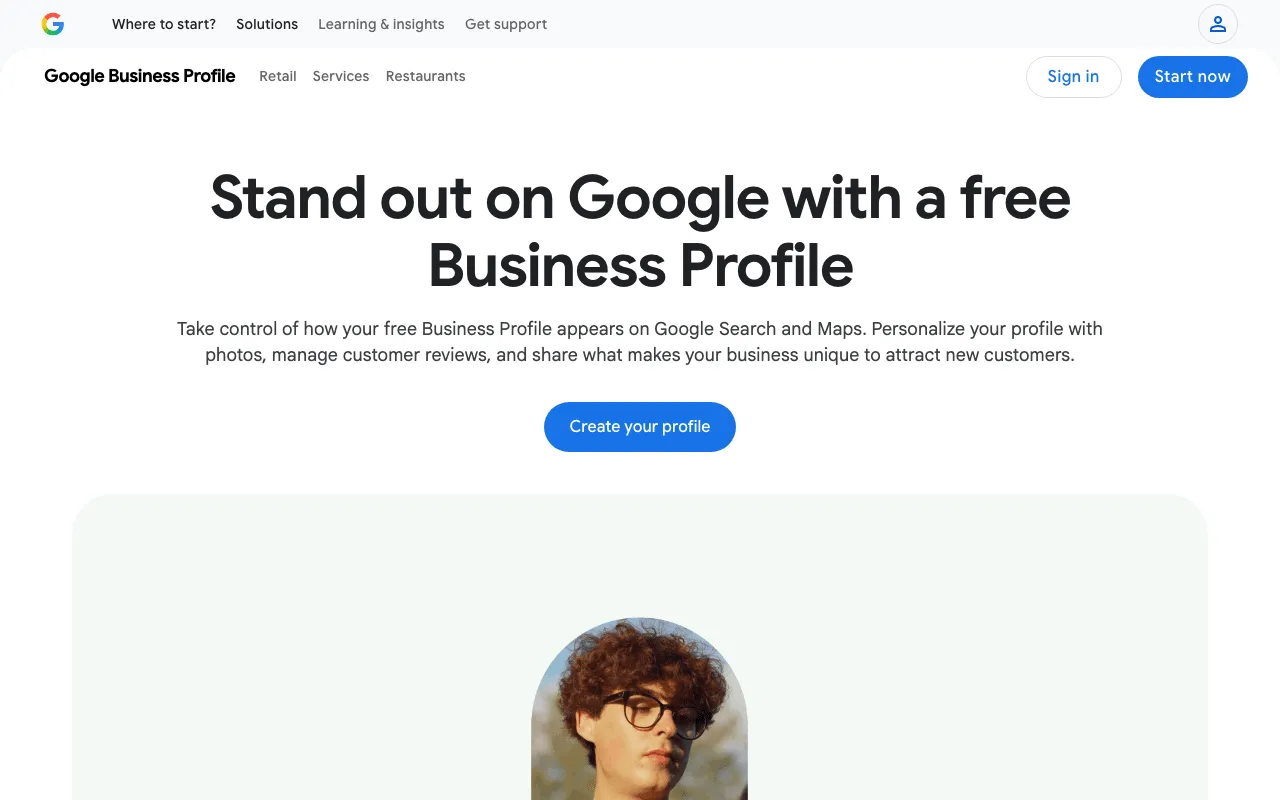
Google’s Business Profile page in the United States. Screenshot of business.google.com/us/business-profile, taken October 30, 2026.
If you serve customers in an area, your Business Profile can show up on Maps and in local results before your site does. It’s free. Google is clear on how it ranks: “Local results are mainly based on relevance, distance, and popularity”, and “There’s no way to request or pay for a better local ranking on Google” (Business Profile help, read October 30, 2026). Fill in every field, verify the profile, keep your hours right, and answer reviews.
Once you’re on Google: climbing the results

Being on Google is the first step; climbing comes next. Illustration by Zéro Corvée.
Being indexed means you can show up, not that you will on page one. The next steps:
- Free levers first: how to get my website on Google for free lists everything that costs only time.
- Climbing the results: how to get to the top of Google search explains how to pick a search you can win.
- A site that’s already live but stuck: how to improve SEO gives the order of fixes.
- Budget: SEO cost compares doing it yourself, a freelancer and an agency.
- The words: SEO meaning and search engine optimization explain the basics.
To check your site in one go, I tested SemChat on my own site on October 29, 2026: one sentence, about 3 minutes, a diagnosis and a priority plan. That single audit used up the Free plan’s monthly quota. The full test is in my SemChat review.
How to get my website on Google comes down to four steps: verify it in Search Console, send your sitemap, request indexing for new pages, and check the index. Add a Business Profile if you serve local customers, then give it a few weeks.
Frequently asked questions
Can I do SEO for free?
Yes. Search Console and a Business Profile are free, PageSpeed Insights only needs your page's address, and Google writes that it costs nothing to appear in its organic results (Google Search Central, read October 30, 2026). What it costs is your time.
How much does it cost to get on the first page of Google?
In organic results, Google takes no payment: it doesn't accept payment to crawl a site more often or rank it higher. Ads are a separate paid spot, billed per click. A typical cost per click for your trade: missing data (planned source: Google Ads Keyword Planner).
How do you get your business website on Google?
Verify the site in Search Console, submit your sitemap, request indexing for your main pages, and create a Business Profile so your business also shows up on Google Maps. Then check with a site: search that your pages are indexed.
How do you get a Shopify store on Google?
The same way as any site: add the store to Search Console, verify it, and submit its sitemap. Whether your store builder generates the sitemap for you depends on the platform: check its help pages rather than guessing.
Let your AI do the chores of getting found online.
10% off your subscription, for life with my link, if you subscribe within 2 weeks of signing up. No code. All about the SemChat promo code
Affiliate link: it costs you nothing extra.
Verified sources
- Google Search Central: In-depth guide to how Google Search works (October 30, 2026)
- Google Search Central: How to get your website on Google (October 30, 2026)
- Google Search Central: Ask Google to recrawl your URLs (October 30, 2026)
- Google Search Central: SEO Starter Guide (October 30, 2026)
- Google Business Profile Help: tips to improve your local ranking (October 30, 2026)
- Google Search Console overview page (October 30, 2026)
- Google Business Profile, United States (October 30, 2026)