WordPress SEO plugin: which one for which site
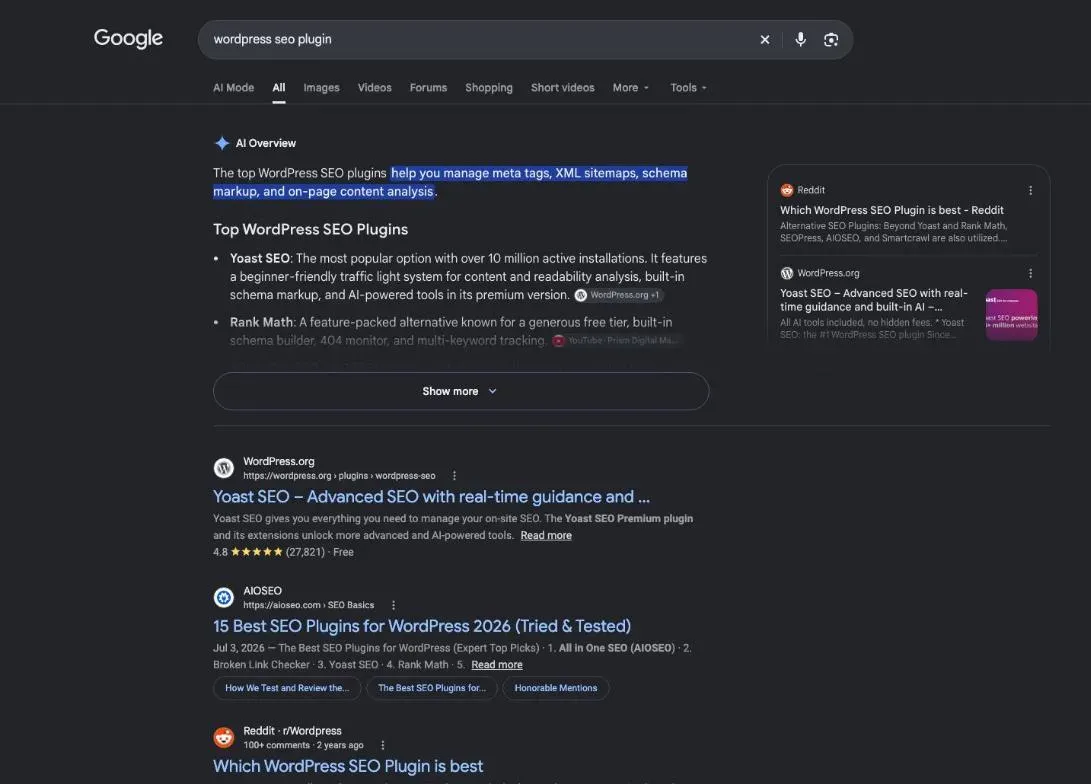
A WordPress SEO plugin sets what Google reads on your site: titles, descriptions, sitemap, structured data. Yoast SEO, Rank Math, AIOSEO, SEOPress, The SEO Framework and Slim SEO all have a free version (official pages read 29 October and 30, 2026). The right pick depends on your site, not on a ranking.
 By Jérémy Santos Updated on 30 October 2026 Tested on his own SemChat account: first audit on 29 October 2026.
 This page is part of the guide: How to do SEO on WordPress

One SEO plugin for each job: choosing without installing everything. Illustration by Zéro Corvée.
Every publisher says theirs is the best. This page compares six WordPress SEO plugin options on what their makers write themselves, dated, then helps you pick one for your kind of site. It is part of our guide on how to do SEO on WordPress. The SemChat button on this page is an affiliate link.
What a WordPress SEO plugin really does
WordPress publishes pages. An SEO plugin adds the settings Google reads, in a box under your post editor, with no code. All six free versions compared here cover three things:
- the title and description of each page, the ones you suggest to Google for its results;
- the sitemap, an XML file that lists your pages for search engine robots;
- structured data (also called schema), invisible code that tells Google what a page is: an article, a product, a business.
The sitemap exists even without a plugin. Since version 5.5, WordPress publishes an index at /wp-sitemap.xml (make.wordpress.org, read 30 October 2026). Plugins often replace it with their own: Yoast’s index sits at /sitemap_index.xml, per its help pages. To find yours and send it to Google, follow our WordPress sitemap guide.
The one job it hands back to you
The plugin grades the page you write against the keyword you type in. Yoast scores SEO and readability live; AIOSEO has its TruSEO analysis. Choosing the topic, the keyword and which page to fix first stays with you. Paid add-ons help a little: Yoast Premium’s Content Planner suggests 5 content ideas. For search volumes, Yoast and AIOSEO rely on a Semrush account. None of the six mentions a keyword database of its own.
The main WordPress SEO plugins compared
Six plugins do the same basic job. The WordPress.org directory shows their active installations: a measure of reach, not of quality.
Prices below are the ones each site showed when read from France, in euros excluding VAT, unless a dollar figure is given. Dollar prices for Yoast and Rank Math were not read.
Rank Math and its free version
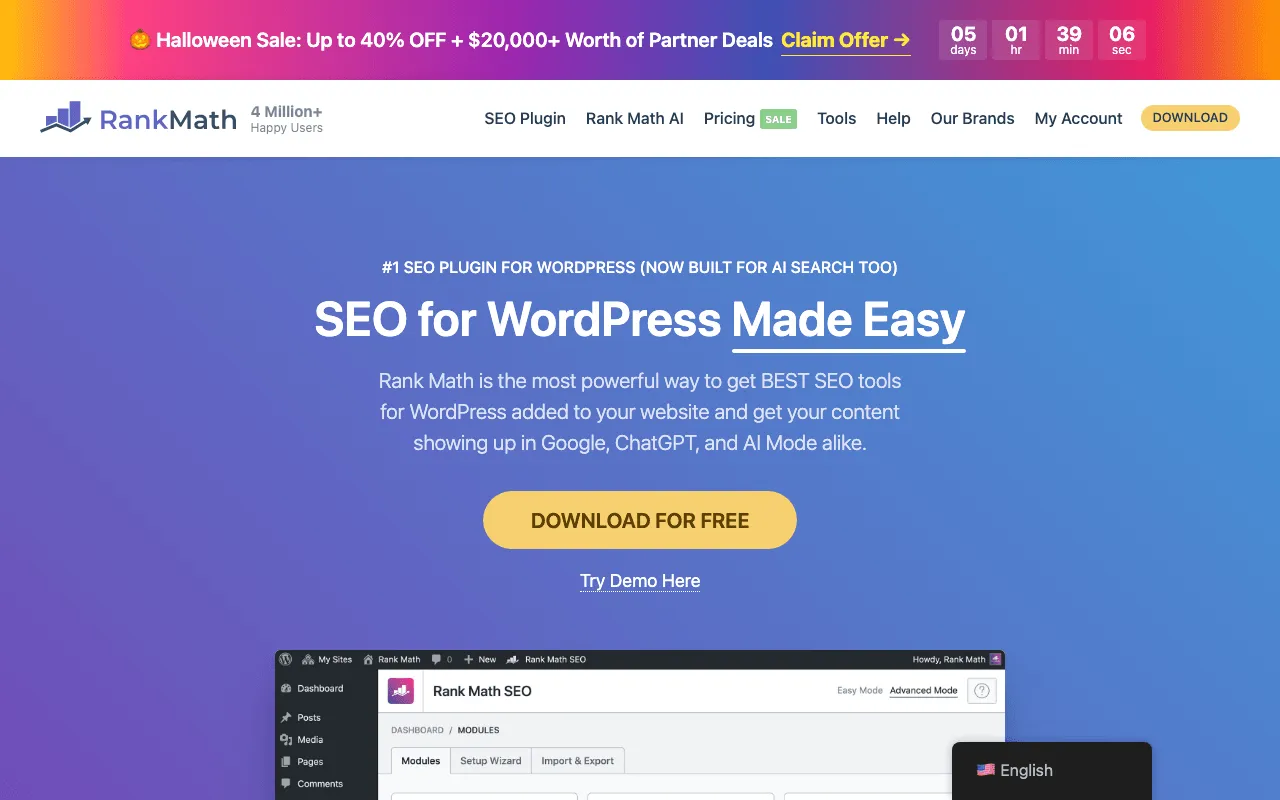
Rank Math’s free plugin ticks many boxes in its own grid: SEO analysis, Search Console integration, the Google Analytics code, 18 schema types, sitemaps, redirects, a 404 monitor and llms.txt (plans page, 29 October 2026).
Rank Math PRO costs €8.99 a month, billed yearly, so €107.88 a year. It covers unlimited personal sites, not client sites, and tracks 500 keywords from your Search Console. AI features need a second subscription, Rank Math AI, from €6.99 a month billed yearly.
Yoast SEO, free and Premium
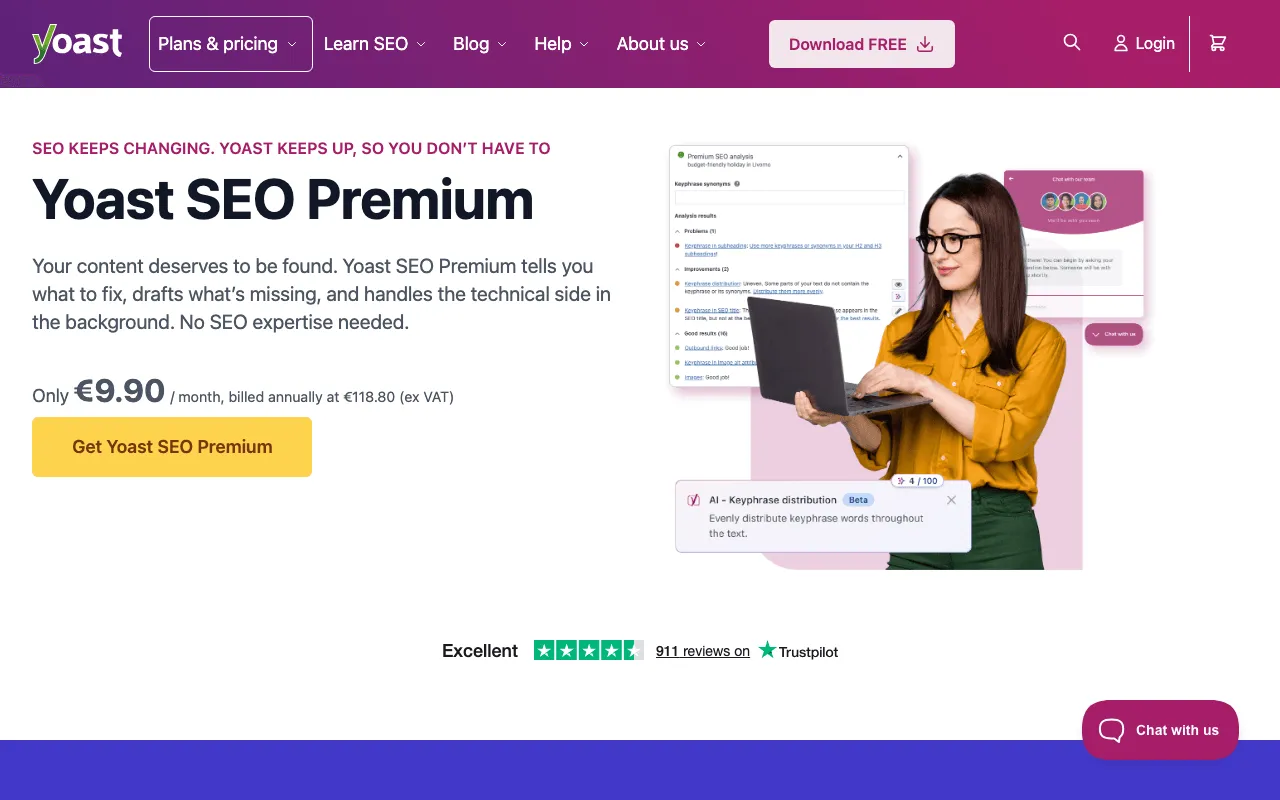
Yoast, a Dutch company founded in 2010, sums up its free plugin as “Always free… No essential features are locked.” It builds sitemaps, schema and canonical tags, and grades readability. Limit: 1 keyphrase per post.
Yoast SEO Premium costs €118.80 a year for one site (Yoast shop, 30 October 2026). It adds a redirect manager, up to 5 keyphrases, AI-written titles and descriptions, internal link suggestions, local SEO and 24/7 support.
All in One SEO (AIOSEO): Lite and paid plans
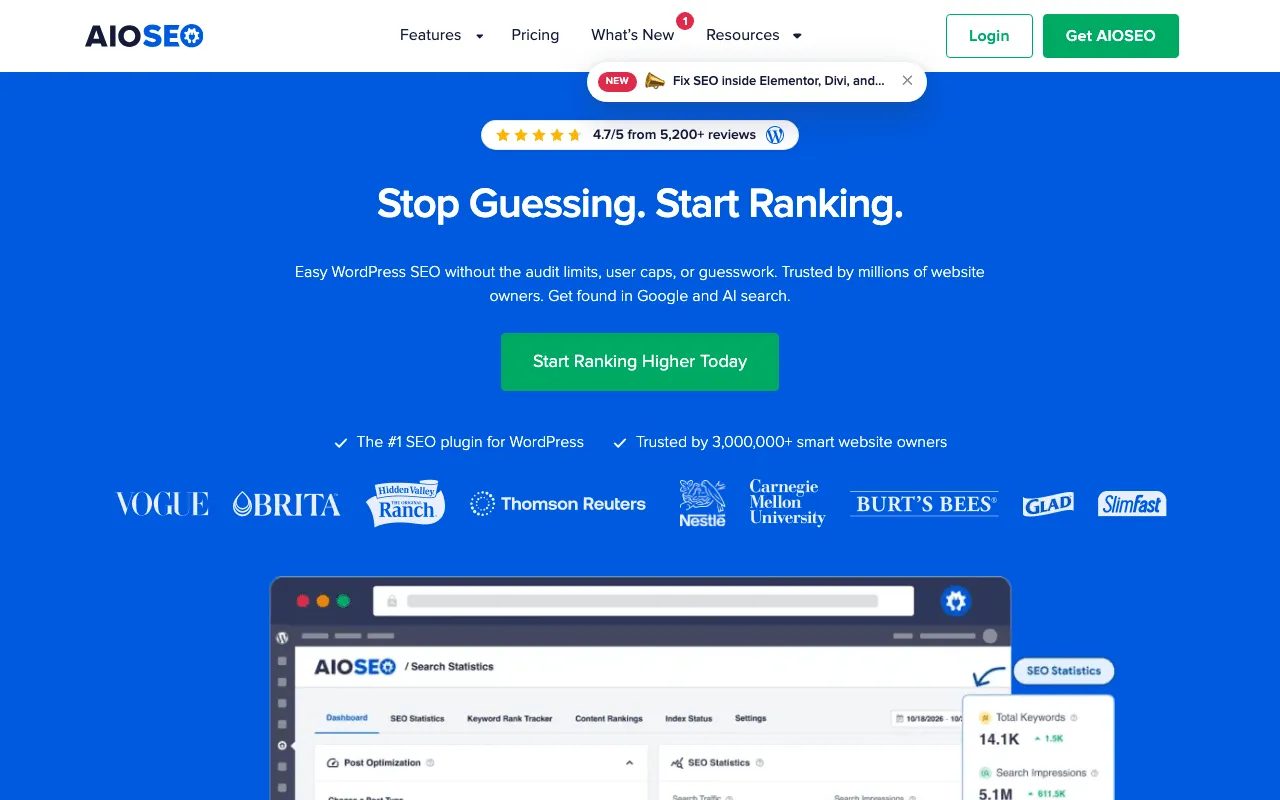
AIOSEO puts it plainly: “AIOSEO Lite covers the fundamentals: title tags, meta descriptions, and basic sitemaps.” Schema markup and 100 trial AI credits come on top. There is no support on Lite.
Paid plans are yearly only: Basic at €99 for 1 site, Plus at €199 for 3 sites, Pro at €399 for 10 sites, Elite at €599 for 100 sites (pricing page, 29 October 2026). The first year shows at half price; renewals are at full price, and the terms say fees are charged in US dollars. Its strong point: the SEO Checklist, tasks ranked by priority.
SEOPress
SEOPress is made in France, with support in French and English. The free version sets titles, descriptions, sitemaps and basic schema, and adds GA4 or Matomo tracking.
SEOPress PRO costs 49 a year for 1 site, 59 for 5 sites, 149 for unlimited sites, in euros or dollars excluding tax, and renews at the same price (pricing page, 30 October 2026). It adds a site audit, local SEO, WooCommerce, redirects, a broken link finder and an AI assistant.
The SEO Framework and Slim SEO, for minimal setup
Two plugins for people who want few settings. The SEO Framework promises “No collection. No tracking. No third-party integrations.” Free, it writes titles and descriptions, builds the sitemap and checks more than 70 issues per post. Pro costs $7 a month, paid yearly, for 2 sites.
Slim SEO calls itself beginner-friendly. Free, it fills in meta tags on its own, builds the sitemap, and handles redirects and 404 errors. Pro costs $59 a year for one site and adds Search Console reports.
Plugins that help next to your SEO plugin
Before you add one, check whether your SEO plugin already does the job. It often does. Two well-known free extras, read on WordPress.org on 30 October 2026:
- Redirection, by John Godley, more than 2 million active installations: it manages 301 redirects (an old address sending visitors to a new one) and tracks 404 errors. Its page says “There’s no premium version.”
- Broken Link Checker, by WPMU DEV, more than 500,000 active installations: it finds links to pages that no longer exist, from your server or, with a free account, from WPMU DEV’s servers.
Speed and caching
None of these six SEO plugins advertises caching: speed depends on your host, a cache and lighter pages. Rank Math does sell a bundle with WP Rocket, a speed plugin, at €13.99 a month billed yearly. To measure speed, Site Kit by Google shows PageSpeed Insights inside WordPress.
Image compression
None of the six fact sheets mentions image compression. What they cover is the text around images: Slim SEO fills in alt text in its free version, AIOSEO adds Image SEO from its Plus plan. Alt text is the short description screen readers and Google read. Compress your images before you upload them, and check the result in PageSpeed Insights.
Internal links between your posts
An internal link joins two pages of your site. Rank Math suggests some in its free version. Yoast Premium suggests links too and flags orphaned content, posts no other post links to. AIOSEO’s Link Assistant starts on the Pro plan; SEOPress PRO and Slim SEO Pro offer suggestions as well.
Free SEO plugins for WordPress: how far they go
SEO plugins for WordPress: install a free version first
For a small business site or a blog, a free version is often enough: all six set titles, descriptions, sitemap and schema at no cost. To follow your numbers, pair it with Site Kit by Google, Google’s own free plugin, with more than 5 million active installations. It shows Search Console, Analytics and PageSpeed Insights in your dashboard. Yoast reads Google data through Site Kit; AIOSEO dropped its Google Analytics features in version 4.5.1 and points to MonsterInsights.
What the paid versions add
You pay for a precise need: rank tracking, local SEO, automatic internal links, AI. Check renewals too: full price at AIOSEO, same price at SEOPress and Slim SEO.
| Plugin | First paid price read | Sites covered |
|---|---|---|
| Yoast SEO | €118.80 a year | 1 site |
| Rank Math | €107.88 a year | unlimited personal sites |
| AIOSEO | €99 a year (half price the first year) | 1 site |
| SEOPress | 49 a year (€ or $) | 1 site |
| The SEO Framework | $7 a month, paid yearly | 2 sites |
| Slim SEO | $59 a year | 1 site |
Prices read on official pages on 29 October and 30, 2026, excluding tax where the publisher says so.
A plugin or a separate SEO tool?
A plugin works page by page, inside your site. A separate tool looks at the site from outside: rankings, competitors, links from other sites, what to fix first.
SemChat next to your plugin: it says what to fix, the plugin applies it
SemChat doesn’t replace your plugin. It tells you what to fix; you apply it in Yoast, Rank Math or another one. Test on 29 October 2026, on Jérémy’s account, Free plan: one sentence typed, the “Audit SEO Complet” skill (full SEO audit) picked on its own, about 3 minutes, then 8 indicators, a diagnosis, 3 actions for the week and a 10-section document.

The tested site, plugkit-avis.com, runs on Astro, not WordPress, so WordPress-specific points were not tested. One finding was exact: the /fr/contact/ page returned a 404. On WordPress, you fix that by creating the page or adding a redirect in your plugin.
SemChat has a WordPress connector. The app says it can “publier articles et rapports sur le site” (publish posts and reports on the site); its tools list, read and create posts, and none touches plugin settings. It was not connected or tested. Another real limit: that single audit used up the Free plan’s monthly quota; Starter costs €20 a month excluding tax. For the full checklist, see our WordPress SEO audit; the whole test is in our SemChat review.
Which one to choose for your site
| Showcase site or blog | WooCommerce store | |
|---|---|---|
| What you need | titles, descriptions, business details | the same, plus product pages |
| Free | local business schema in Rank Math | titles, sitemap and schema, like a showcase site |
| If you pay | local SEO: Yoast Premium, AIOSEO Plus, SEOPress PRO | store module: Yoast WooCommerce SEO, AIOSEO, SEOPress PRO |
| Simplest | Slim SEO or The SEO Framework | a free plugin, then a store module |
A few profiles to decide fast:
- you are starting out: Slim SEO or The SEO Framework handle the basics on their own;
- you want the most for free: Rank Math, with redirects, a 404 monitor and Search Console;
- you want a guided task list: AIOSEO and its SEO Checklist;
- you want support in French and a low yearly price: SEOPress.
Is your site on Webflow? All six plugins work on WordPress only; Webflow has its own settings, covered in our Webflow SEO guide.
Installing your first SEO plugin on WordPress
The WordPress documentation describes the simplest way:
- go to Plugins, then Add New;
- search for the plugin by name;
- click Install Now, then Activate.
Keep one all-in-one SEO plugin only; to switch, Yoast imports settings from Rank Math, AIOSEO and SEOPress. Then open Settings, then Reading: “Discourage search engines from indexing this site” must stay unchecked.
Rank Math or Yoast: the face-off in detail
They are the two names you will see most. Our Rank Math vs Yoast page compares them point by point.
Online stores on WooCommerce
Yoast sells a separate WooCommerce SEO plugin at €178.80 a year. AIOSEO includes WooCommerce SEO from Basic, SEOPress in PRO. Any other WooCommerce feature: check the plugin’s own page first.
Whichever WordPress SEO plugin you pick, start with one free version and set your titles page by page. Pay when a real need shows up, not before.
Frequently asked questions
What is the best SEO plugin for WordPress?
None is best for every site. Yoast SEO is the most installed: more than 10 million active installations in the WordPress.org directory (read 30 October 2026). Rank Math's free version adds redirects, a 404 monitor and Search Console data; SEOPress has a French publisher and support in French and English; Slim SEO and The SEO Framework aim at automatic settings. Pick by your site and your budget.
How do you use the All in One SEO plugin in WordPress?
Install the free AIOSEO Lite from Plugins, then Add New, and activate it. A setup wizard walks you through the basics, then the SEO Checklist lists tasks ranked by priority. In each post, fill in the title and meta description in the AIOSEO box. Lite has no support: the FAQ says support is for paid licenses (AIOSEO pages read 29 October 2026).
How do you add meta tags with a WordPress SEO plugin?
Open a post or page and scroll to the plugin's box under the editor. Type the SEO title and the meta description, then the main keyword you target. The plugin checks whether that keyword shows up in the title, description and text. Yoast's free version takes 1 keyphrase per post, Premium up to 5 (Yoast pages read 30 October 2026).
Does WordPress have SEO built in?
A little. Since version 5.5, WordPress publishes a sitemap index at /wp-sitemap.xml. Under Settings, then Reading, the box “Discourage search engines from indexing this site” must stay unchecked: when checked, WordPress adds a noindex, nofollow tag. Per-page titles and descriptions come with an SEO plugin (WordPress documentation read 30 October 2026).
Let your AI do the chores of getting found online.
10% off your subscription, for life with my link, if you subscribe within 2 weeks of signing up. No code. All about the SemChat promo code
Affiliate link: it costs you nothing extra.
Verified sources
- Yoast: free Yoast SEO plugin (30/10/2026)
- Yoast: shop and prices (Premium, WooCommerce SEO) (30/10/2026)
- Yoast: Yoast SEO Premium page (30/10/2026)
- Rank Math: plans and feature grid (29/10/2026)
- AIOSEO: pricing (29/10/2026)
- AIOSEO: Lite and paid versions (29/10/2026)
- AIOSEO: SEO Checklist and setup wizard (29/10/2026)
- AIOSEO: connecting Google Analytics (deprecated feature) (29/10/2026)
- SEOPress: pricing (30/10/2026)
- The SEO Framework: pricing (30/10/2026)
- Slim SEO: Slim SEO Pro (30/10/2026)
- WordPress.org plugin directory: active installations (API) (30/10/2026)
- WordPress.org: Site Kit by Google (30/10/2026)
- WordPress.org: MonsterInsights (30/10/2026)
- WordPress.org: Redirection (30/10/2026)
- WordPress.org: Broken Link Checker (30/10/2026)
- WordPress documentation: Settings Reading screen (search engine visibility) (30/10/2026)
- WordPress documentation: Manage plugins (30/10/2026)
- Make WordPress Core: new XML sitemaps in WordPress 5.5 (30/10/2026)
- SemChat pricing (29/10/2026)